How to Pay
You're paying Neil, owner of EnTek Remote Computer Services. He accepts payments through Cash App and PayPal.
Payments go toward the invoice we email you. Once your payment is processed, you'll get a receipt by email.
Cash App
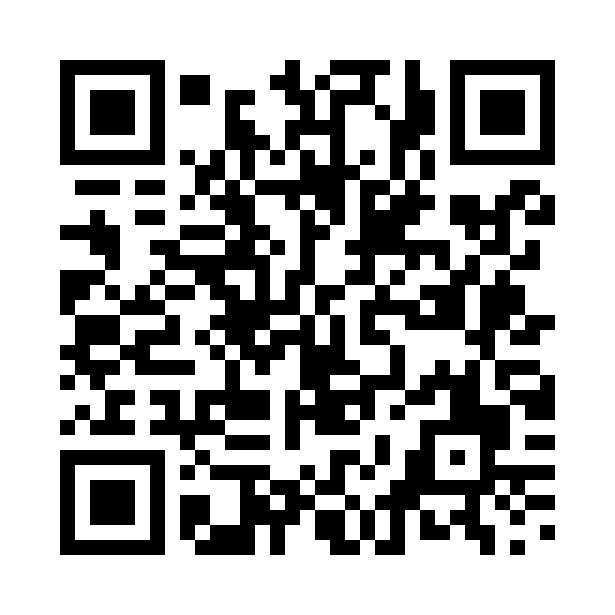
EnTekPC Remote Computer Services
$EnTekRemote
$EnTekRemote
- Open Cash App.
- Tap the scan/QR icon and scan the code, or search $EnTekRemote.
- Enter the amount and tap Pay to send.
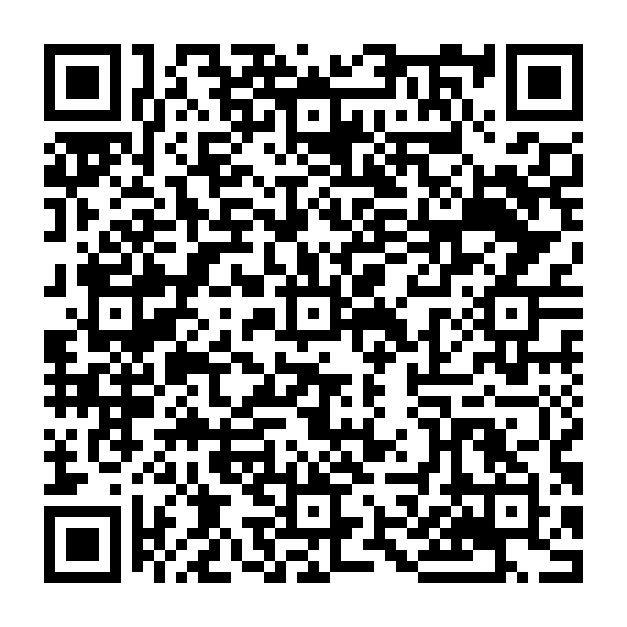
Please mention entekpc.com in your payment note.